
1.Overview of Computer System Unit Parts
The Computer System Unit
The system unit is the box-like case that contains the electronic components of a computer. Many people erroneously refer to this as the CPU. Here you will find devices like the power supply, different drives, the fan, the connectors, and the motherboard. Note that in most cases, the monitor, keyboard, and mouse will not be found inside the system unit layout.
Other names for the system unit include the computer chassis, cabinet, box, tower, enclosure, housing, or simply case.

The Motherboard
The motherboard is sometimes called the system board or main board. It is the main circuit board of a microcomputer. This component contains the connectors for attaching additional boards. All other parts connect in one way or another to the motherboard.
This part typically contains the CPU, BIOS, memory, mass storage interfaces, serial and parallel ports, expansion slots, and all the controllers required to control standard peripheral devices, such as the display screen, keyboard, mouse, and disk drive.
When you are reading about motherboards, you won't fail to come across the term motherboard form factors, which describes the general shape, the type of case, and the power supply it can use. It also describes the physical organization of the motherboard.

Hard Disk Drive
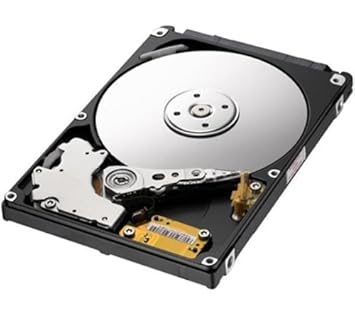
A hard disk drive is a high capacity, non-volatile, magnetic data storage device with a volume (disk) that is usually non-removable.
Data is magnetically read and written on the platter by read/write heads that float on a cushion of air above the platters.
Power Supply Unit
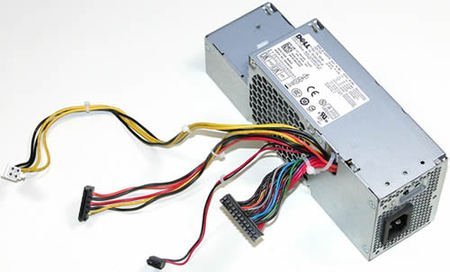
The power supply unit (PSU) is used to convert AC currents from the main supply to the different DC voltages required by various computer components.
Power supplies are quoted as having a certain power output specified in watts, A standard power supply would typically be able to deliver around 350 watts.
You will need more power from the power supply if your PC has more operating components.
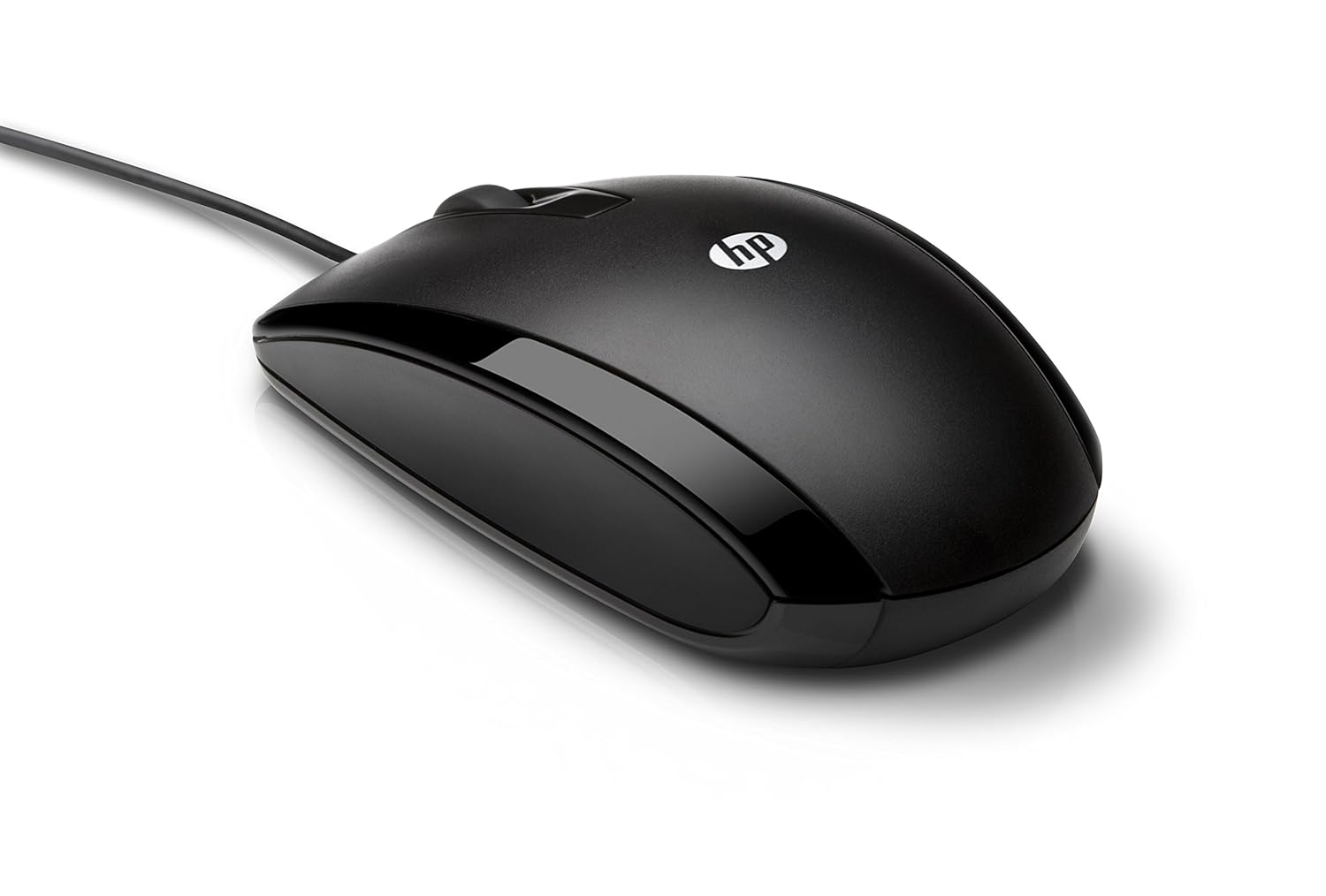
A computer mouse is a handheld hardware input device that controls a cursor in a GUI and can move and select text, icons, files, and folders. For desktop computers, the mouse is placed on a flat surface such as a mouse pad or a desk and is placed in front of your computer. The picture to the right is an example of a desktop computer mouse with two buttons and a wheel
Keyboard
Updated: 04/01/2018 by Computer Hope

FURTHER EXPLORATION ABOUT MOTHERBOARD WIRING
1.https://www.youtube.com/watch?v=qAtMpLDs0h4
2.https://www.youtube.com/watch?v=P0zkbkrrkHw&t=76s


Comments
Post a Comment